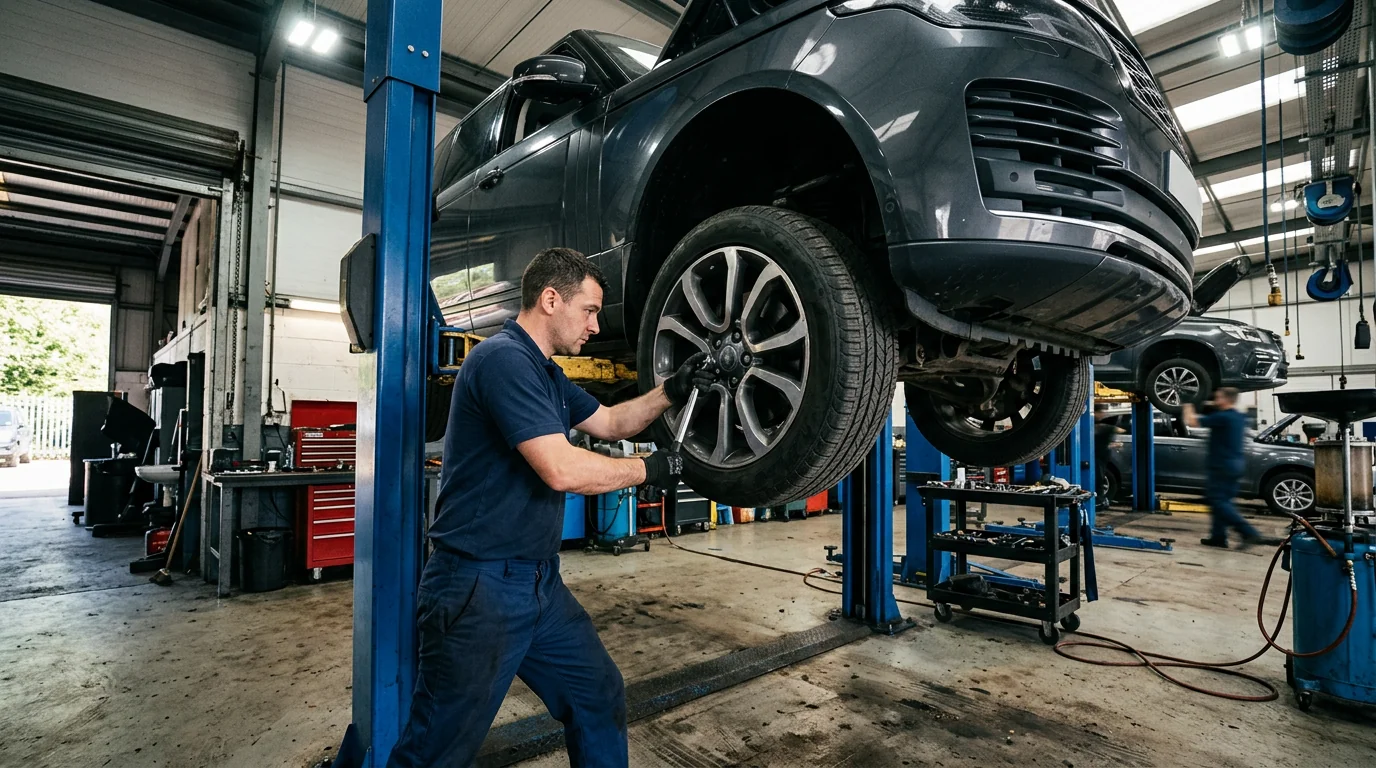
New photos addedFour photos from the vehicle inspection.
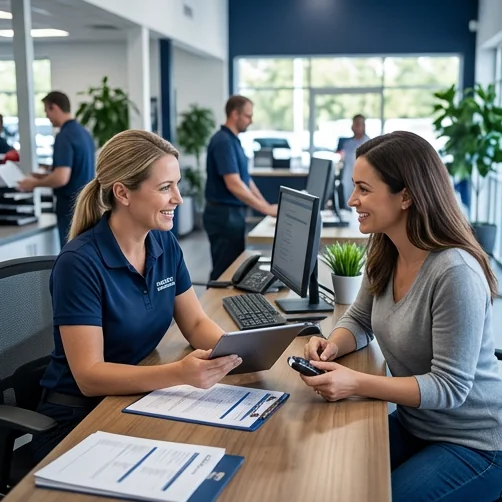
Customer Communication
Keep the conversation connected to the work.
Plan how notes, service updates and recorded decisions should support a clear customer conversation.
An update is not an authorization
Fictional workflow example · not a live product screen
Jordan Lee · RO-1042
Read the visit context
Conversation contextCheck the concern and finding before writing to the customer.
- Concern
- Noise during braking
- Finding
- Front pad measurement recorded
- Recommendation
- Front brake service
- Advisor
- Casey Rivera
The advisor can explain the recommendation in context.
Sample data only. Nothing is saved, sent, booked or authorized. Discuss actual product availability in your demo.
- Start with the concernUse the customer’s own description as the starting point, then explain findings in plain language.
- Separate updates from approvalsAn informational message is not authorization to repair. Agree how an actual decision must be recorded.
- Keep channels explicitConfirm which communications are stored and sent. This site does not claim SMS, phone numbers, unlimited messages or a connected messaging service.
- Evaluate with confidenceConfirm the production scope in your demo.
FOLLOW A SAMPLE VISIT
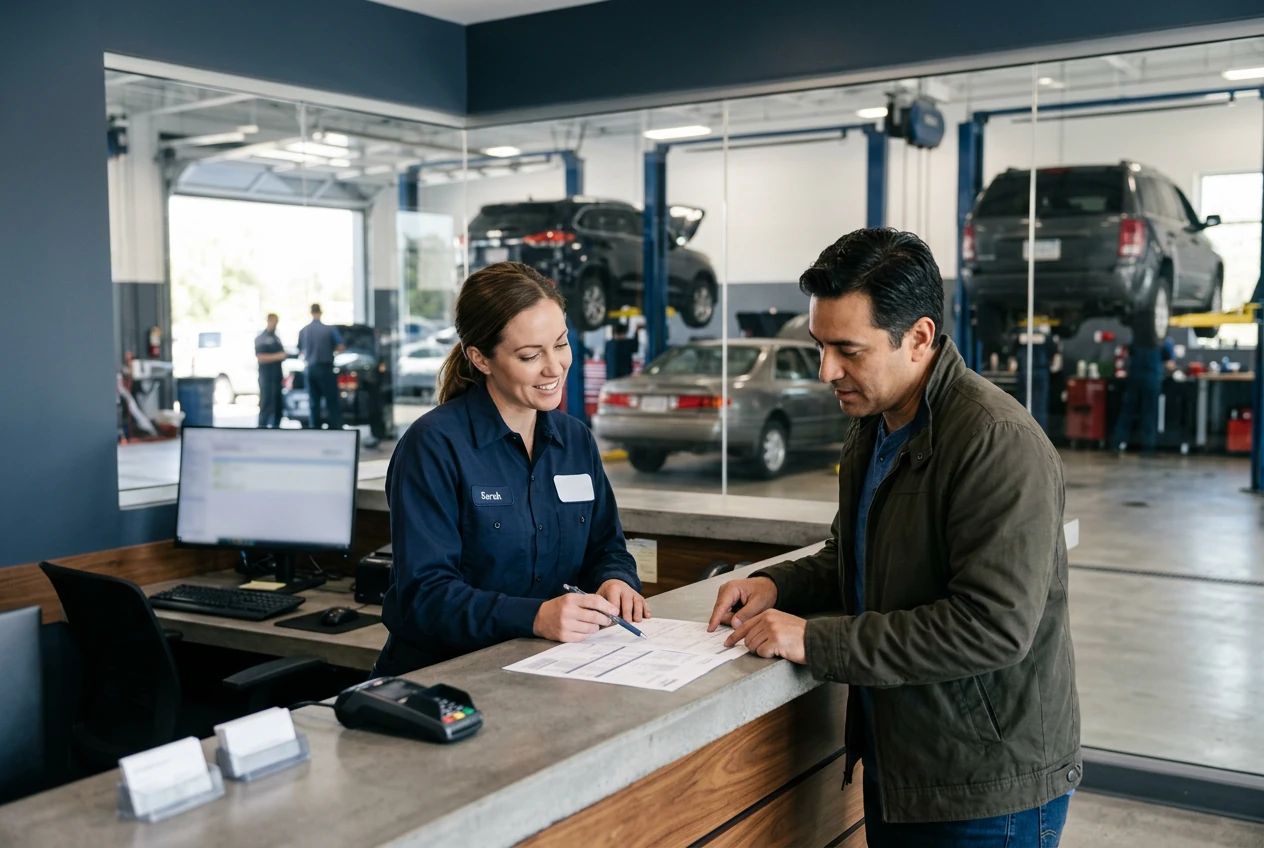
Inside the customer communication conversation.
Select a stage to see the records, responsibility and result at that handoff.
Use the customer’s own description as the starting point, then explain findings in plain language.
Conversation context1 / 3
Jordan Lee · RO-1042
Read the visit context
Check the concern and finding before writing to the customer.
- Concern
- Noise during braking
- Finding
- Front pad measurement recorded
- Recommendation
- Front brake service
- Advisor
- Casey Rivera
The advisor can explain the recommendation in context.Fictional example · nothing saved or sent
Explore the workflow, then confirm the fit
These fictional examples explain the shop process, not a live account. Use a demo to confirm the available product capabilities and agree the scope for your workshop.
THE WORK. THE PEOPLE. THE NEXT STEP.
Start with the work your team needs to do.
A customer may speak with more than one advisor. Without context, an update can contradict an earlier explanation or omit a change in scope.

Customer Profile
Customer and vehicle history, together.
JS
John SmithSample customer · Albuquerque, NM
Active customer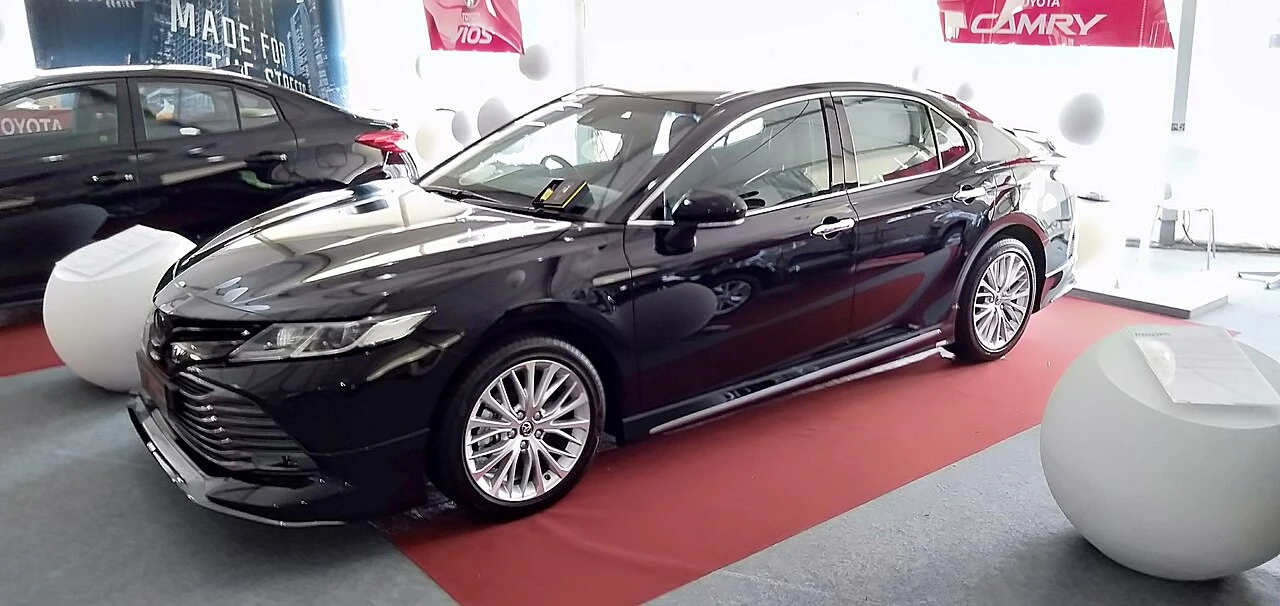
2020 Toyota CamrySample vehicle · 42,580 mi
In shopRecent service history
| Mar 15, 2024 | Brake service | $752.34 |
|---|---|---|
| Dec 10, 2023 | Oil change | $89.99 |
| Sep 22, 2023 | Tire rotation | $49.99 |
Try the customer status timeline
My vehicle
Sample vehicle · 2024 SUV
- Check inToday, 9:12 AM
- InspectionToday, 10:24 AM
- Estimate readyToday, 11:08 AM
- Waiting for approval
- In repair
- Ready for pickup
Currently: Estimate ready. This changes only this preview.
Estimate readyYour estimate is ready for review.
Make your demo specific.
Bring an anonymized example of this workflow and use these questions to examine the available product.
- Which messages and decisions appear in customer history?
- How are consent, delivery failures and message access handled?
See how the pieces fit.
All product areas

YOUR PEOPLE. YOUR PROCESS. YOUR SHOP.
Your shop's next chapter.
Let's build it together.
Bring the work you do every day. Explore what SaSa could bring together, with a conversation shaped around your team.