 2019 BMW X5Oil change
Multi-Location Management
One organization. Distinct shop realities.
Explore organization-wide requirements while respecting the different people, inventories and workloads at each location.
Local work, organization-wide questions
Fictional workflow example · not a live product screen
Downtown / Northside · fictional shops
Review Downtown
DowntownStart with the local queue and its own constraints.
- Open sample jobs
- 12
- Service bays
- 4
- Current blocker
- RO-1042 · authorization
- Local manager
- Sam Patel
The local team’s next decision remains visible.
Sample data only. Nothing is saved, sent, booked or authorized. Discuss actual product availability in your demo.
- Map the boundariesList the records, users and settings that should be shared or isolated. Avoid assuming cross-location access is available.
- Align the vocabularyAgree job stages and reporting definitions before comparing shops. A common label can otherwise hide different processes.
- Verify the controlsAsk for a demonstration of location switching, access enforcement and consolidated reporting against the real service.
- Evaluate with confidenceConfirm the production scope in your demo.
FOLLOW A SAMPLE VISIT
Inside the multi-location management conversation.
Select a stage to see the records, responsibility and result at that handoff.
List the records, users and settings that should be shared or isolated. Avoid assuming cross-location access is available.

Downtown1 / 3
Downtown / Northside · fictional shops
Review Downtown
Start with the local queue and its own constraints.
- Open sample jobs
- 12
- Service bays
- 4
- Current blocker
- RO-1042 · authorization
- Local manager
- Sam Patel
The local team’s next decision remains visible.Fictional example · nothing saved or sent
Explore the workflow, then confirm the fit
These fictional examples explain the shop process, not a live account. Use a demo to confirm the available product capabilities and agree the scope for your workshop.
THE WORK. THE PEOPLE. THE NEXT STEP.
Start with the work your team needs to do.
A shared brand does not mean every location should share every record or setting. Define what belongs locally and what needs organization-wide oversight.
Shop workflow
Track every vehicle from check-in to completion.
- 6Total
- 2Inspection
- 1Waiting
- 1Ready
Checked in2
2019 BMW X5Oil change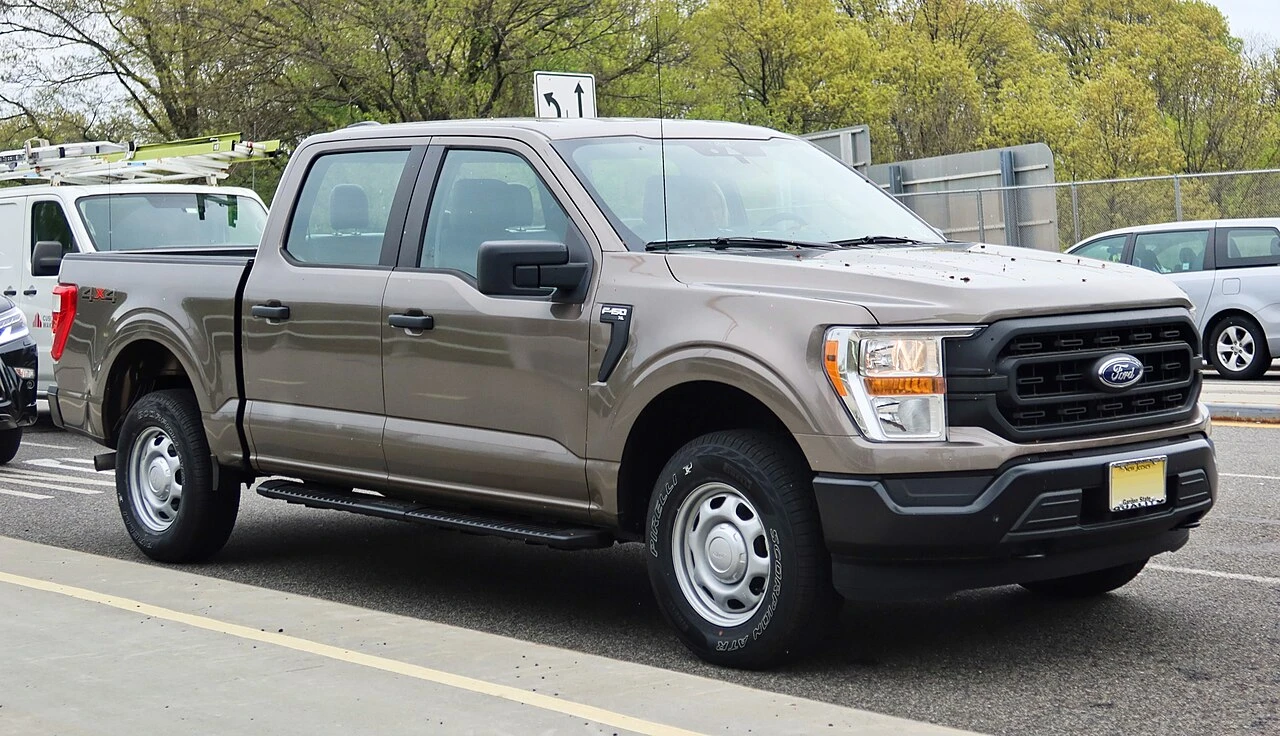 2021 Ford F-150Diagnostic
Inspection2
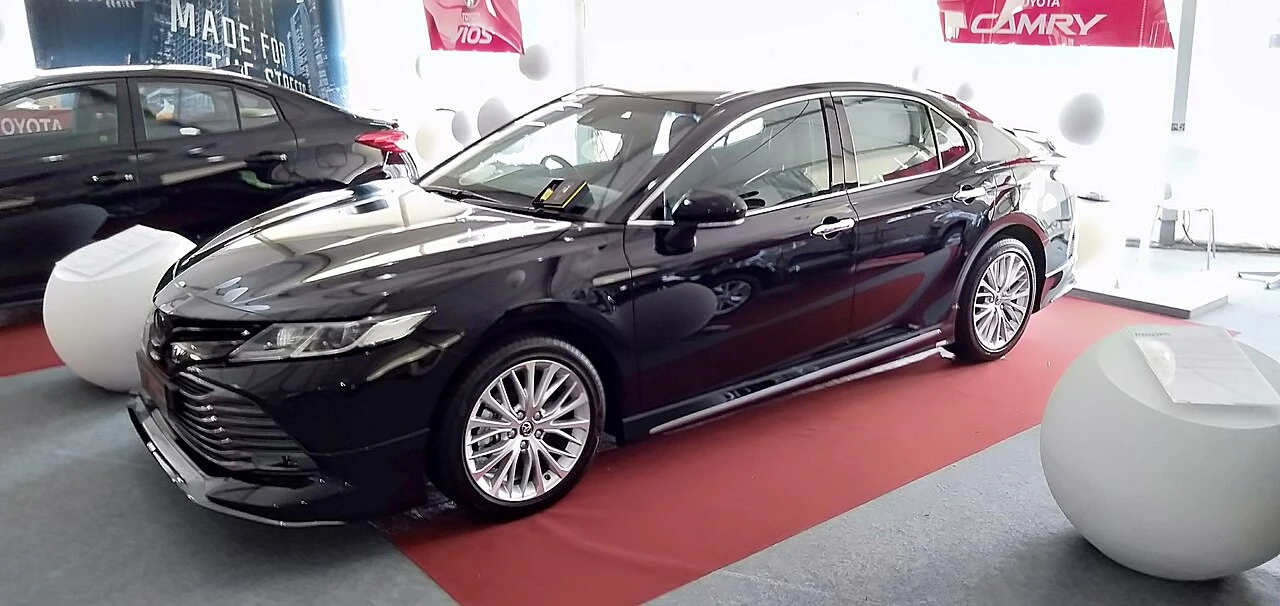 2020 Toyota CamryFull inspection2019 BMW X5Brake service
Waiting approval1
2021 Ford F-150Tires + alignmentReady for pickup1
2020 Toyota CamryBrake serviceMake your demo specific.
Bring an anonymized example of this workflow and use these questions to examine the available product.
- Can a user belong to multiple locations with different permissions?
- Are consolidated reports, inventory transfers and shared customers supported?
See how the pieces fit.
All product areas
YOUR PEOPLE. YOUR PROCESS. YOUR SHOP.
Your shop's next chapter.
Let's build it together.
Bring the work you do every day. Explore what SaSa could bring together, with a conversation shaped around your team.