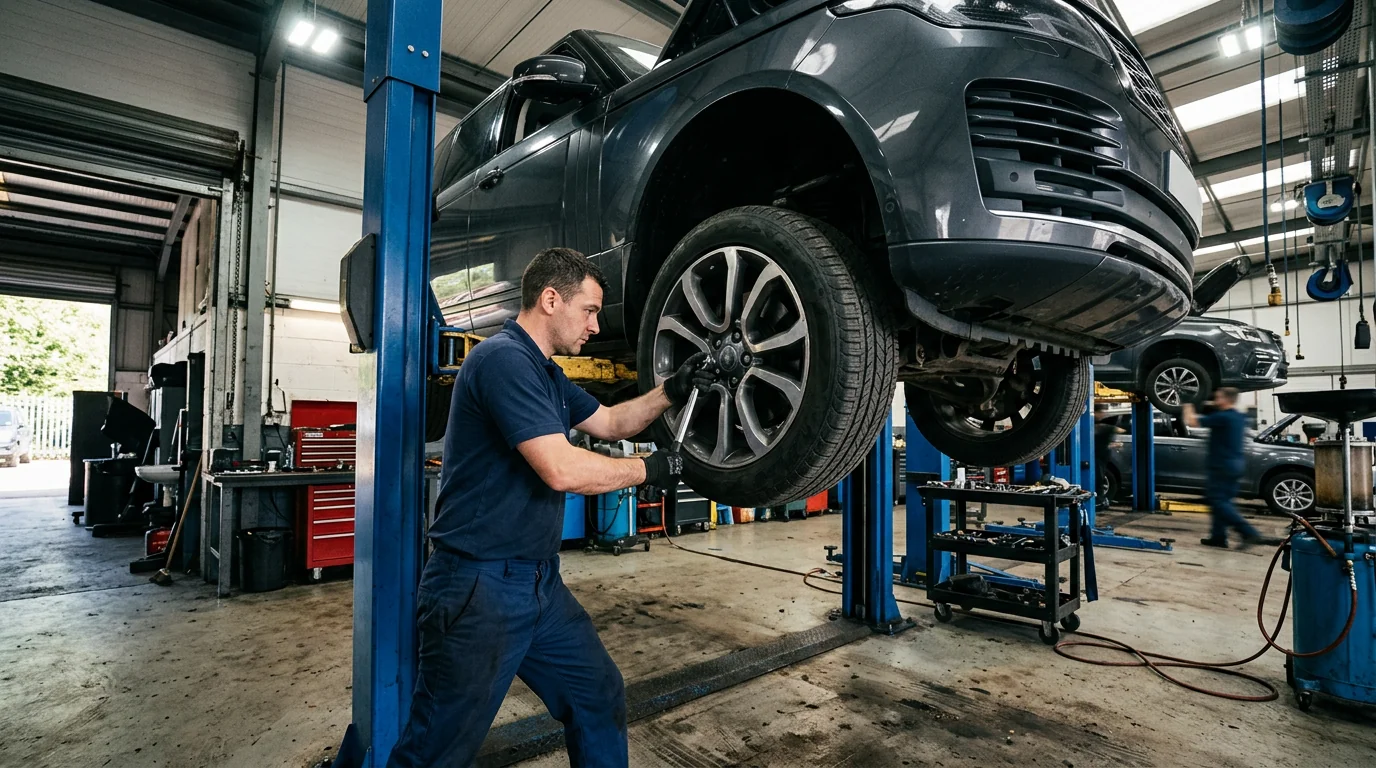
New photos addedFour photos from the vehicle inspection.

User Roles & Permissions
The right access for the right responsibility.
Build an access-review checklist for records, edits, exports and administrative decisions before connecting your team.
Access follows responsibility
Fictional workflow example · not a live product screen
Illustrative access matrix · not enforced permissions
Review technician access
Technician viewCompare the role’s work needs with sensitive actions.
- Assigned work
- View
- Inspection findings
- Record
- Estimate pricing
- Ask manager
- User administration
- Not required
The role can be discussed in terms of actions rather than a vague title.
Sample data only. Nothing is saved, sent, booked or authorized. Discuss actual product availability in your demo.
- Map sensitive actionsList who should view customer data, revise charges, export records and manage accounts.
- Check enforcementVerify permissions with different users against the actual backend. The marketing preview has no authenticated tenant access.
- Review over timeRevisit access when roles or locations change, and ask how those changes are audited.
- Evaluate with confidenceConfirm the production scope in your demo.
FOLLOW A SAMPLE VISIT
Inside the user roles & permissions conversation.
Select a stage to see the records, responsibility and result at that handoff.
List who should view customer data, revise charges, export records and manage accounts.

Technician view1 / 3
Illustrative access matrix · not enforced permissions
Review technician access
Compare the role’s work needs with sensitive actions.
- Assigned work
- View
- Inspection findings
- Record
- Estimate pricing
- Ask manager
- User administration
- Not required
The role can be discussed in terms of actions rather than a vague title.Fictional example · nothing saved or sent
Explore the workflow, then confirm the fit
These fictional examples explain the shop process, not a live account. Use a demo to confirm the available product capabilities and agree the scope for your workshop.
THE WORK. THE PEOPLE. THE NEXT STEP.
Start with the work your team needs to do.
Hiding a button is not authorization. Access restrictions need to be enforced by the production service, not just its interface.

Customer Profile
Customer and vehicle history, together.
JS
John SmithSample customer · Albuquerque, NM
Active customer
2020 Toyota CamrySample vehicle · 42,580 mi
In shopRecent service history
| Mar 15, 2024 | Brake service | $752.34 |
|---|---|---|
| Dec 10, 2023 | Oil change | $89.99 |
| Sep 22, 2023 | Tire rotation | $49.99 |
Try the customer status timeline
My vehicle
Sample vehicle · 2024 SUV
- Check inToday, 9:12 AM
- InspectionToday, 10:24 AM
- Estimate readyToday, 11:08 AM
- Waiting for approval
- In repair
- Ready for pickup
Currently: Estimate ready. This changes only this preview.
Estimate readyYour estimate is ready for review.
Make your demo specific.
Bring an anonymized example of this workflow and use these questions to examine the available product.
- Are permissions enforced server-side for every tenant-scoped request?
- Are custom roles and location restrictions implemented?
See how the pieces fit.
All product areas

YOUR PEOPLE. YOUR PROCESS. YOUR SHOP.
Your shop's next chapter.
Let's build it together.
Bring the work you do every day. Explore what SaSa could bring together, with a conversation shaped around your team.