Purchase Orders
Make purchasing easier to follow.
Map the path from a needed part to a checked delivery, including the people responsible for each decision.
A shortfall becomes a purchasing record
Fictional workflow example · not a live product screen
PO-207 · Cedar Parts · fictional supplier
Identify the shortfall
RequirementCompare the job requirement to the stock available.
- Related repair
- RO-1042
- Part
- BR-118 · front rotor
- Required
- 2
- Available
- 1
The purchase request is for the missing quantity, not the whole job again.
Sample data only. Nothing is saved, sent, booked or authorized. Discuss actual product availability in your demo.
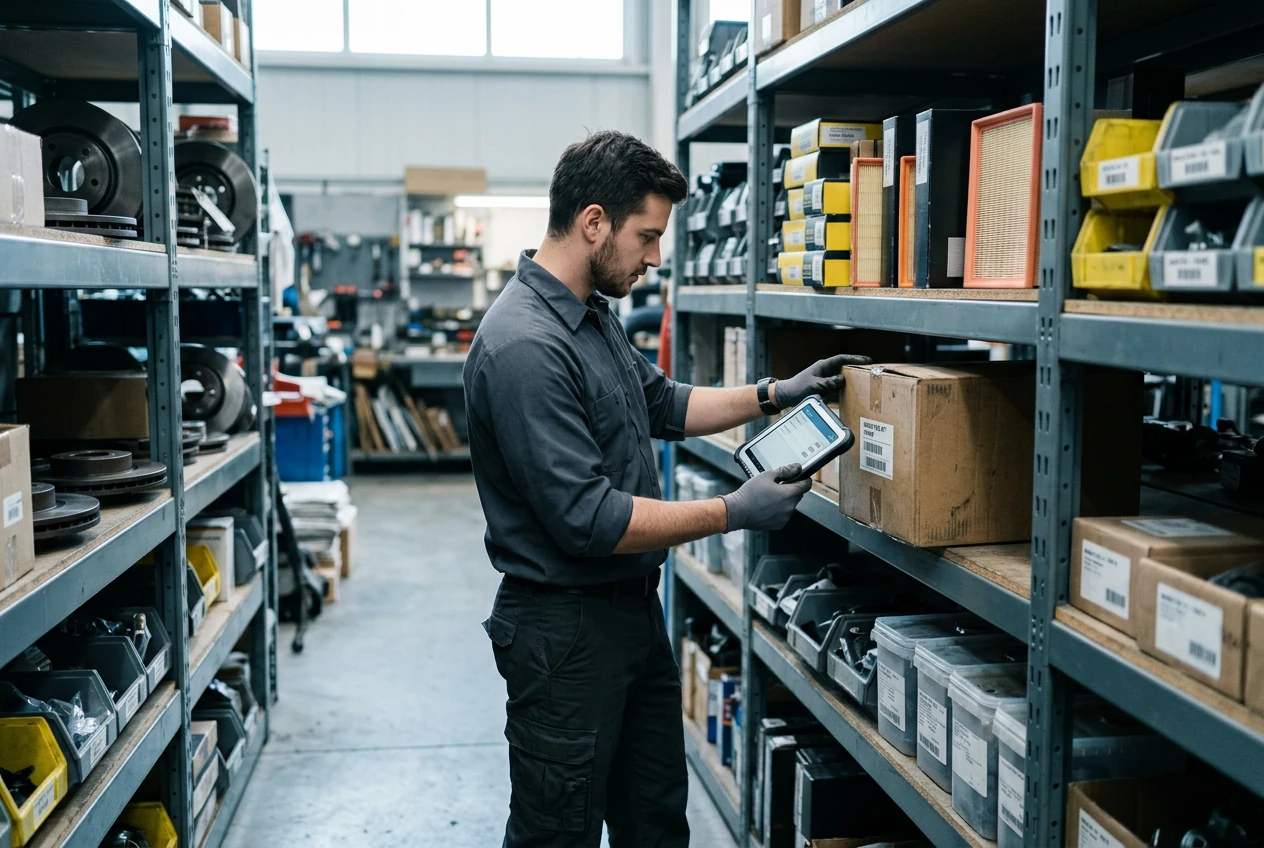
- Specify the requirementRecord the part, quantity and job context. Confirm fitment and supplier details through your approved procedures.
- Track the commitmentDefine who can approve a purchase and how changes should be documented. A purchase-order record is not a live supplier integration.
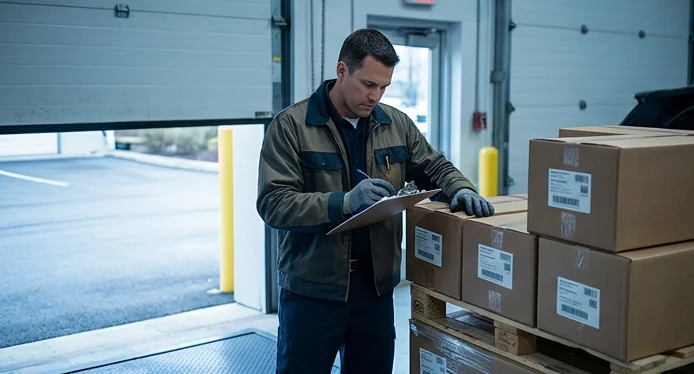
- Check the receiptCompare the delivery to the order, note discrepancies and agree how the stock record should be updated.
- Evaluate with confidenceConfirm the production scope in your demo.
FOLLOW A SAMPLE VISIT
Inside the purchase orders conversation.
Select a stage to see the records, responsibility and result at that handoff.
Record the part, quantity and job context. Confirm fitment and supplier details through your approved procedures.
PO-207 · Cedar Parts · fictional supplier
Identify the shortfall
Compare the job requirement to the stock available.
- Related repair
- RO-1042
- Part
- BR-118 · front rotor
- Required
- 2
- Available
- 1
THE WORK. THE PEOPLE. THE NEXT STEP.
Start with the work your team needs to do.
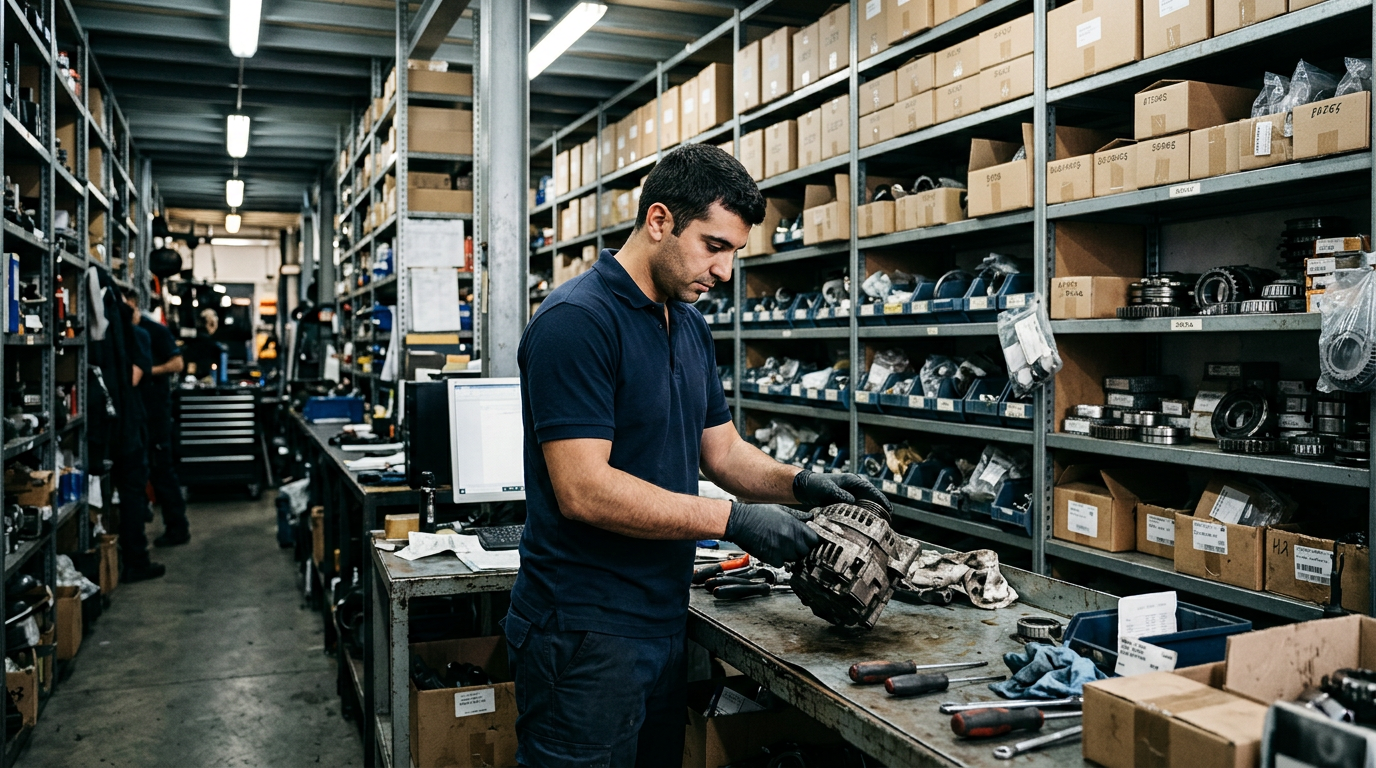
A part can be requested, ordered, delivered or allocated—and those are different states. A clear purchasing trail helps the team avoid assumptions.
Inventory
Track stock, locations and purchase planning.
- 8Parts listed
- 4Need review
- 36On order
- 1Out of stock
| Part | Category | Location | Stock | Status |
|---|---|---|---|---|
| Brake disc | Brakes | Main | 14 | In stock |
| Oil filter | Filters | Main | 3 | Low stock |
| Air filter | Filters | Main | 0 | Out of stock |
| Front brake pads | Brakes | Location B | 28 | In stock |
| Spark plug | Ignition | Main | 52 | In stock |
| Cabin filter | HVAC | Location C | 6 | Low stock |
| Timing belt kit | Engine | Main | 4 | Low stock |
| Battery | Electrical | Main | 11 | In stock |
Make your demo specific.
Bring an anonymized example of this workflow and use these questions to examine the available product.
- Can partial deliveries and returns be recorded?
- Which purchasing actions are implemented versus only shown in the preview?
See how the pieces fit.
All product areas

YOUR PEOPLE. YOUR PROCESS. YOUR SHOP.
Your shop's next chapter.
Let's build it together.
Bring the work you do every day. Explore what SaSa could bring together, with a conversation shaped around your team.