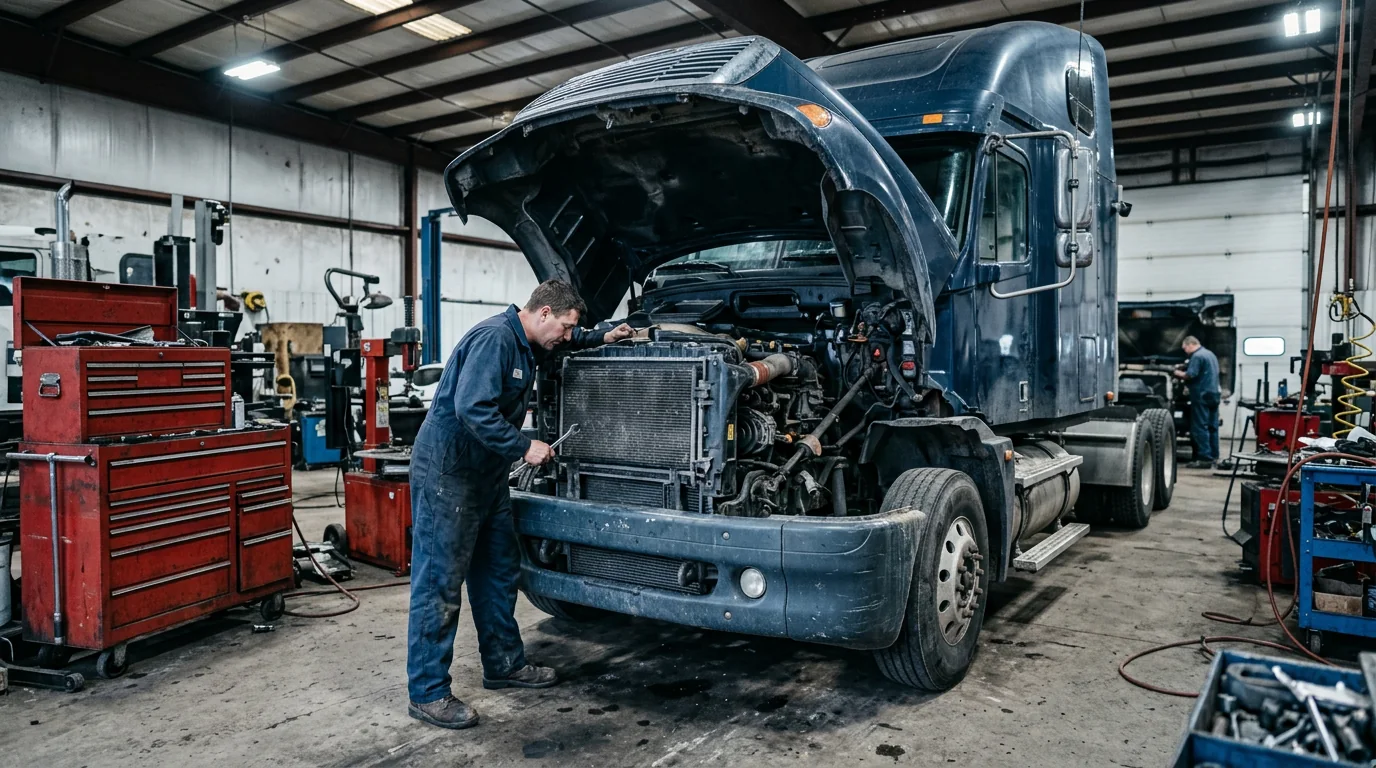
A commercial vehicle arriving at a workshop often brings more than one decision-maker. The driver describes the concern, a fleet contact authorizes work, and an accounts-payable team processes the invoice. Meanwhile, the vehicle may be needed for a route that the workshop does not control.
An effective heavy-duty workflow makes those relationships explicit. It should support careful diagnosis and repair while helping the customer understand what is known about release timing. Do not promise uptime or a financial outcome that the evidence cannot support.
Identify the asset and the people responsible
Record the vehicle and any relevant trailer or equipment identifiers using the information needed for the job. Confirm the customer’s internal unit reference, contact hierarchy and authorization limits. The person dropping off a truck may not be allowed to approve an expanded repair.
Ask about the operating requirement without allowing urgency to replace technical judgment. A requested return-to-service time is an important planning input, not permission to omit required work or checks. Record who should receive updates when the expected timing changes.
Separate initial assessment from repair scope
Document the reported concern, operating conditions and relevant service history. Define the initial assessment or diagnostic authorization before assuming the cause. Commercial vehicles can have equipment or configurations that make a generic job description inadequate.
When the assessment identifies further work, explain what was found, the proposed next step and what remains uncertain. Use current technical references and appropriately qualified personnel. This article addresses workflow organization, not diagnostic procedures or permission to perform safety-critical repairs.
Make dependencies visible before occupying capacity
Confirm the equipment, space, competence and parts needed for the next stage. Large components and extended jobs can affect the rest of the workshop, so plan their physical and scheduling implications rather than only the labor estimate.
In an illustrative case, a vehicle is waiting for a correctly specified component and additional customer authorization. Treating it as simply “in repair” hides two different blockers. Name the supplier follow-up owner, the authorization owner and the next checkpoint. The parts purchasing guide provides a useful transaction structure.
Communicate through the customer’s operating chain
Provide updates that can travel accurately between the workshop, fleet office and driver. State the current stage, the unresolved dependency and the next expected update. Avoid giving different completion promises to different contacts.
For recurring accounts, agree in advance on the references required for estimates and invoices, how additional work is approved, and how urgent concerns are escalated. Keep those account arrangements accessible to authorized staff without relying on one advisor’s memory. Review them when the customer changes personnel or operating practices.
Release against the agreed and applicable requirements
Before release, confirm the completed scope, appropriate quality checks and any unresolved or deferred issues. Keep maintenance records and customer communication aligned. A vehicle moving out of a bay is not the same as a documented release decision.
For U.S. commercial operations, the FMCSA Motor Carrier Safety Planner is a starting point for understanding relevant federal safety requirements. FMCSA identifies it as guidance, not a substitute for the regulations. Confirm the actual rules, responsibilities and qualifications applicable to the vehicle and operation; do not infer compliance from this business article.
Build continuity into the next visit
Record the work in a way that supports the next assessment and the customer’s maintenance planning. Where a follow-up is appropriate, connect it to the vehicle’s actual requirements and operating conditions. The preventive-maintenance guide explains that planning approach.
Start with one fleet account and map its contacts, approval rules, invoice requirements and update expectations. Bring those requirements to a SaSa Shop OS discussion and verify current support. Do not assume that sample workshop screens establish heavy-duty integrations, regulatory compliance or automated fleet communication.